Gaming Chairs vs. Ergonomic Office Chairs: A Long-Day Comfort Review
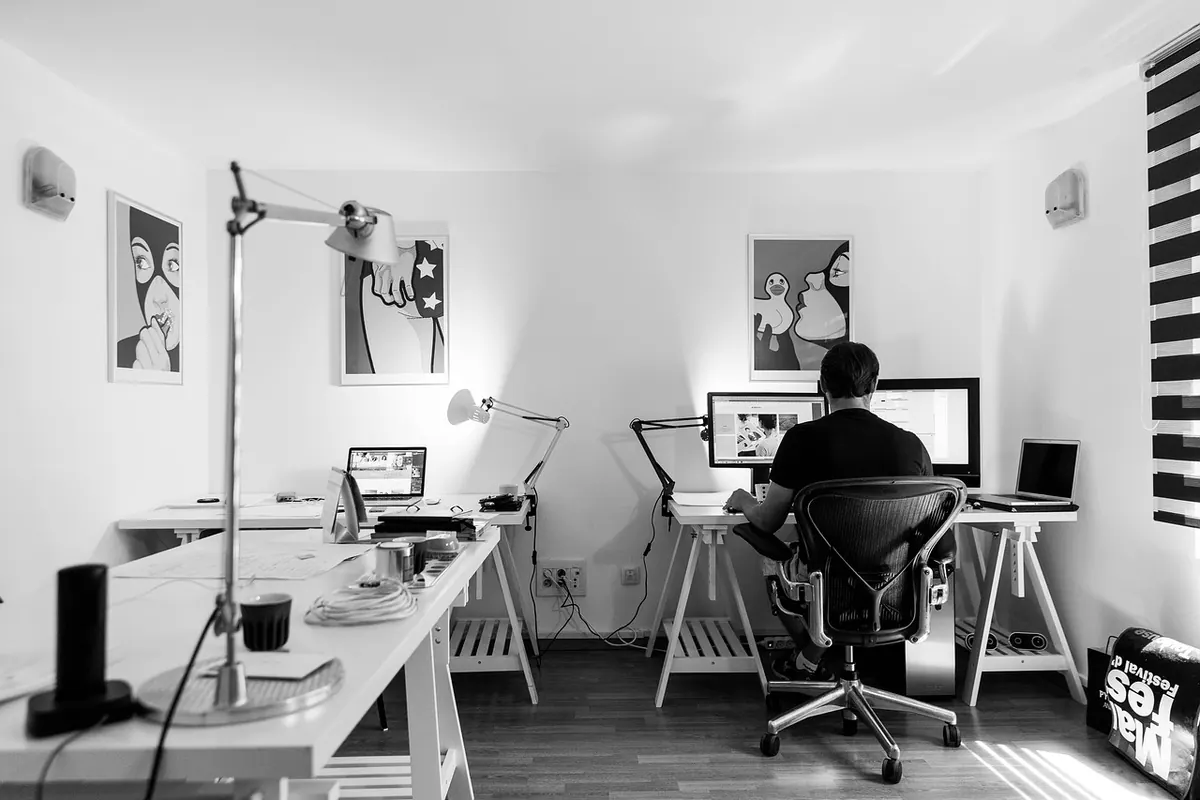
A chair is easy to like in the first ten minutes and much harder to like by hour seven. Showroom sits and two-minute video reviews rarely predict what happens to your tailbone, shoulders, and lower back after a full Tuesday of video calls, email triage, and one spreadsheet that refuses to behave.
The useful question isn't whether gaming chairs are bad and ergonomic office chairs are good. It's which one suits the way you actually sit for six to nine hours, and which compromises you can live with. These are the differences that show up once the novelty wears off.
What Each Chair Is Actually Built For
Gaming chairs borrow their silhouette from racing bucket seats. That means a tall backrest, side bolsters that curve around your ribs and shoulders, a pillow for your head, another pillow for your lower back, and a recline that goes almost flat. The design assumes you'll sink into it, lean back between matches, and stay put.
Ergonomic office chairs come from a different tradition: the task chair. They're built around fidgeting — leaning forward to type, twisting to reach a printer, shifting weight every few minutes, standing up and sitting back down. That's why they tend to have flatter backs, mesh or fabric upholstery, seat depth adjustment, and armrests that move in more than one direction.
Neither approach is wrong. But they're optimized for different postures, and your posture during work is not the same as your posture during a four-hour gaming session.
Comfort Through a Full Workday
The first hour
Almost everything is comfortable for an hour. A firm kitchen chair is comfortable for an hour. This is why first impressions are a poor test, and why a chair that feels plush in a store can feel like a punishment by mid-afternoon.
Hours three to five
This is where the seat pan shape starts talking to you. Gaming chairs tend to have a deeper, more cupped seat with raised sides, which can press into the outside of your thighs if your hips are wider than the bucket. Office chairs usually offer a flatter pan and, on better models, a sliding seat depth so the front edge doesn't dig behind your knees.
After hour six
By late afternoon, the differences are mostly about adjustability and heat. A chair that only moves up and down leaves you with one posture all day. A chair that lets you change tilt tension, armrest height, and backrest angle lets you reset before stiffness sets in.
Adjustability: The Features That Earn Their Keep
When you compare two chairs side by side, ignore the spec sheet length and check for these instead:
- Seat height — gets your feet flat and elbows near desk height.
- Seat depth — two to three fingers of gap behind your knees. Missing on most gaming chairs.
- Armrest height, angle, and pivot — so your shoulders can drop instead of hunching.
- Tilt tension and a tilt lock — lets the chair follow you rather than fight you.
- Backrest angle — a slight recline is usually kinder than a rigid upright.
- Independent lumbar height — the curve should sit in your lower back, not above it.
Gaming chairs typically cover height, recline, and basic armrest movement, then hand you two loose pillows to solve the rest. Lumbar pillows slide down over the course of a day, and a headrest pillow positioned for reclining tends to push your head forward when you're upright. Office chairs at similar prices usually trade the racing look for seat depth and real lumbar adjustment.
Breathability: Where a Long Afternoon Turns Uncomfortable
If your office gets warm, this matters more than any other factor. PU leather — the standard on gaming chairs — doesn't breathe. Sit in it for three hours in a small room with a monitor and a laptop throwing heat, and you'll feel it across your back and behind your thighs.
Mesh office chairs win this category outright. Air moves through, sweat evaporates, and you stop peeling yourself off the seat after a long call. Fabric gaming chairs are a reasonable middle ground, and they hold up better than leather if you eat lunch at your desk. If you run cold most of the year, PU leather is less of a problem and much easier to wipe clean.
Support and the Bolster Problem
Bucket-style bolsters feel secure for the first week. Then, if you have broad shoulders or you type with your elbows out, they start pushing your shoulders forward — the exact rounded posture you're trying to avoid. Fixed headrest pillows create a similar issue, tilting your head forward when the chair is upright.
Good office chairs support you with a contoured back and an adjustable lumbar pad instead of side walls. The trade-off: cheap mesh backs can feel like a rigid bar, and a poorly shaped seat edge can cut off circulation. Support comes from the shape and fit, not from the label.
One honest note: if you already have back, neck, or hip pain, a chair is not a treatment. Talk to a physiotherapist or your doctor about what your situation needs, and treat any chair purchase as comfort and prevention rather than a fix.
Which One Fits Your Home Office?
- Choose an ergonomic office chair if you sit eight hours a day, share the desk with someone of a different height, work in a warm room, or want to adjust the chair rather than adjust yourself.
- Choose a gaming chair if you want deep recline for evening sessions, prefer a wrapped-in feel, work in a cool space, and mainly need something that looks at home next to your setup.
- Consider a hybrid if you want a high back and headrest but insist on mesh fabric.
How to Test a Chair Before You Commit
Buying blind is avoidable. A few habits make the decision much easier.
- Measure from the floor to the underside of your desk, then check the chair's seat height range actually lands there.
- Sit in a showroom chair for at least twenty minutes, not two. Bring your laptop if they'll let you.
- Shop in the late afternoon, when you're already a little tired. That's the body that will use the chair most.
- Set the chair up properly before judging it — feet flat, hips slightly above knees, elbows at roughly 90 degrees.
- Check the return policy and who pays return shipping. A chair you can send back is a low-risk purchase.
- Give it a full workweek. Day one tells you almost nothing; day five tells you plenty.
Most people who work long days end up happiest with an ergonomic office chair — not because gaming chairs are bad, but because they were designed for a different kind of sitting. If you love the way a gaming chair feels and it fits you, keep it and buy a better cushion. If you spend the last hour of every workday squirming, that's your answer, and it's worth acting on before your back makes the point for you.
Photo: tookapic / Pixabay