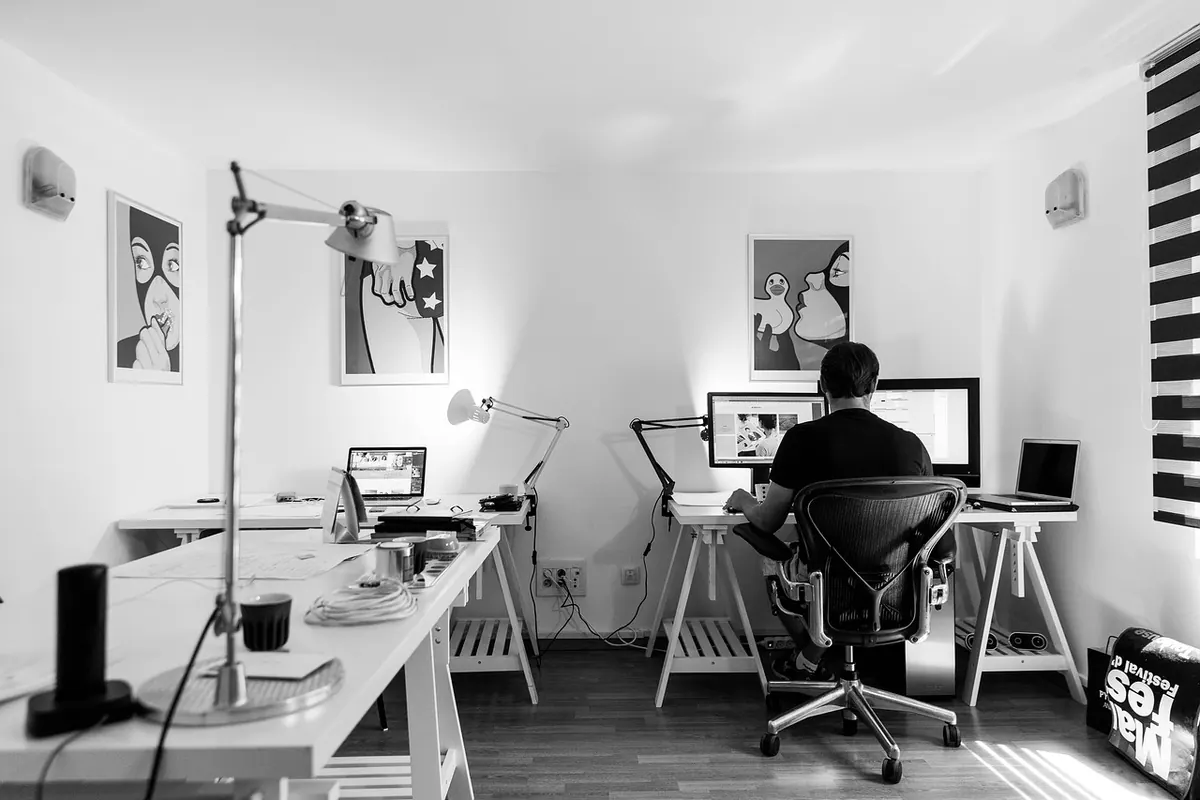
Seasonal Lighting Checklist: Brightening Your Home Office for Darker Months
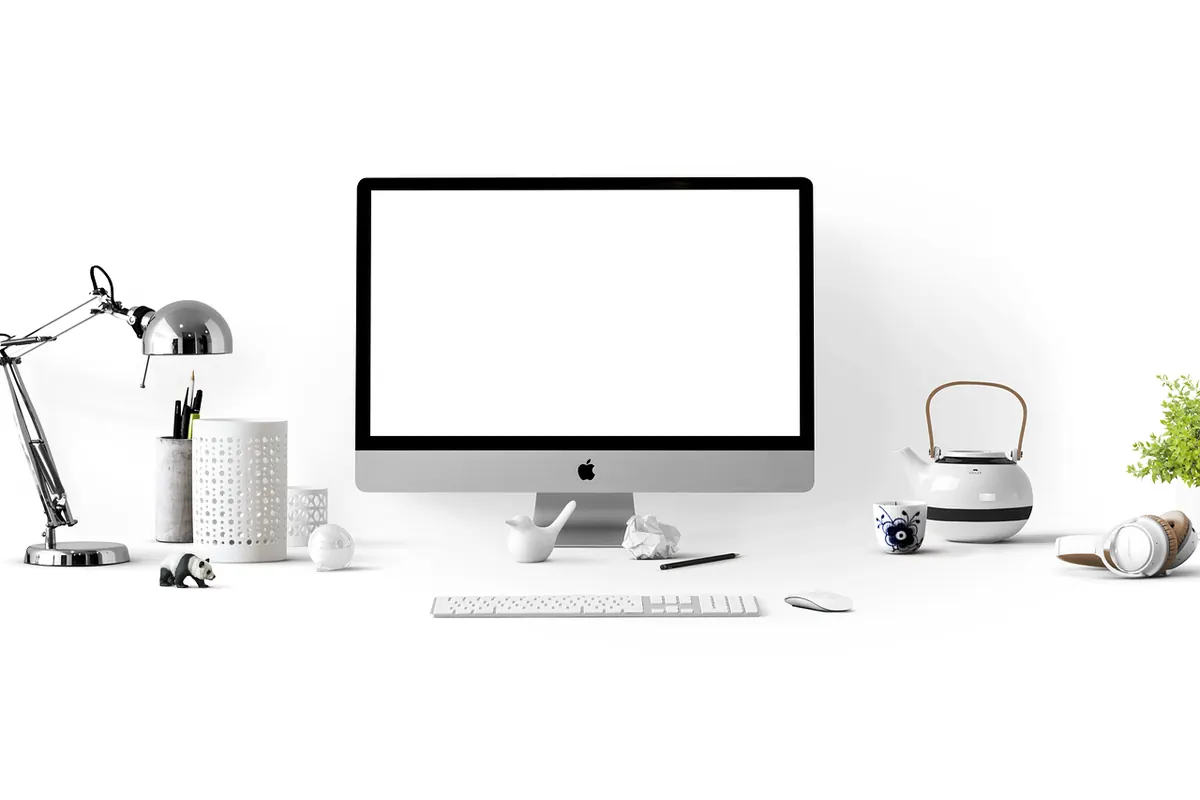
The first sign is usually the yawn at 3:40 p.m. You look up, the window is already grey, and the room feels flatter than it did at lunch. Most home offices run on one overhead bulb and a glowing screen for six months of the year, and the result is a slow afternoon drag that's easy to blame on coffee or sleep.
Light does a lot of quiet work on alertness and comfort, and layering it is the simplest fix. Three sources — ambient, task, and bias — give you control over how the room feels at 8 a.m. and at 6 p.m. Work through this checklist in an afternoon and you'll notice the difference by the end of the week.
Start With a Five-Minute Light Audit
Sit at your desk at the hour you usually work, ideally in the late afternoon when the problem is worst. Turn the screen off for a minute. Then look at four things.
First, where are the dark spots? Behind you, beside your monitor, in the corner where the plant lives. Second, where is the glare? A glossy screen showing you a reflection of the window or a bare bulb is costing you focus all day. Third, where are the shadows? If your own hand disappears over the keyboard, the light is coming from the wrong place. Fourth, is your face lit at all? Video calls in a dim room make you look like a witness in a documentary.
While you're up, read the labels on your bulbs. Most packaging lists a color temperature in kelvin. Anything in the 4000–5000K range looks blue-white and clinical; 2700–3000K reads warm. Knowing what you already own saves you from buying a fourth thing that does the same job.
Layer One: Overhead Light, Turned Down
Overhead light is your ambient layer. Its job is to fill the room evenly, not to spotlight your desk. The classic mistake is a single bright, cool ceiling fixture in an otherwise dark room: your eyes adjust to the bright patch, everything else turns to murk, and the contrast is tiring.
Three adjustments, in order of impact. Add a dimmer — a smart bulb with dimming works if you rent and can't rewire. Swap the bulb to something warmer, around 2700–3000K. Then redirect it: aim the fixture at the ceiling or a pale wall so the light bounces back down softly. If your only option is a bare ceiling fixture, a simple fabric shade or diffuser takes the edge off.
If your office has multiple overhead lights, split them across switches so you can run half. Half a room's worth of soft light beats all of it at full blast.
Layer Two: Task Lighting Where Your Hands Work
Task light is for reading, writing, and seeing your keyboard. It should be brighter than the room but contained, so it lights the page without washing out the rest of the space.
Look for a lamp with an adjustable arm and a dimmer, in the 400–600 lumen range. Position it about 45 degrees to your side, on the opposite side from your dominant hand — right-handed writers put the lamp on the left. That angles light across the page and throws your hand's shadow away from your work instead of onto it.
Keep the lamp out of your line of sight and out of the screen's reflection. A neutral-warm bulb around 3000K works well here: warm enough to feel calm, cool enough to keep text crisp. Once you've found the angle, resist moving it. Good task light is invisible; you only notice it when it's wrong.
Layer Three: Bias Lighting Behind the Screen
Bias lighting is the layer most people skip, and it's the one that makes long screen sessions feel less like staring into a flashlight. A bright monitor against a dark wall forces your eyes to constantly readjust between the two. A soft glow behind the screen narrows that gap.
The setup is cheap: an LED strip on the back of the monitor, or a small lamp behind the desk aimed at the wall. Keep it dim — roughly a tenth of your screen's brightness — and warm. You should see a gentle halo, not a lit wall. Never point a bright light at your own eyes, and don't use bias lighting as a substitute for the room's ambient layer. It's a bridge between screen and room, nothing more.
Match the Light to the Clock
Your lighting doesn't need to look the same all day. A simple rhythm works well for most people working indoors: brighter and slightly cooler in the morning, neutral through the afternoon, warm and dim in the evening.
In practice, that means a cool overhead setting plus daylight from a window early on — sit side-on to the window if you can, so it lights your face without hitting the screen. Around mid-afternoon, when the sky gets heavy, bring the task lamp up and leave the overhead on its middle setting. After dinner, drop the overhead entirely and run one warm lamp. Smart plugs and timers make this automatic, which matters, because nobody wants to think about bulbs at 7 p.m.
The Checklist: Standing Up Your Setup
Run through this once, then keep it somewhere you'll find it next October.
- Ambient: overhead on a dimmer, 2700–3000K, aimed up or bounced off a pale wall.
- Task: adjustable lamp, 400–600 lumens, 45 degrees to your side, opposite your dominant hand.
- Bias: warm strip or small lamp behind the monitor, set to roughly a tenth of screen brightness.
- Controls: at least one dimmer, plus a timer or smart plug for evening warm-up.
- Glare check: sit down, screen off, then screen on. No reflections, no bright source in your peripheral vision.
- Backup: one spare bulb in the drawer and a battery or rechargeable lamp for power cuts.
- Evening rule: overhead off after dinner, one warm lamp, screen brightness down.
None of this requires matching bulbs or a renovation. Two decent lamps and a warmer ceiling bulb will cover most rooms.
A Three-Minute Evening Reset
Before you close the laptop, walk the room once. Kill the cool overhead, switch the task lamp to its lowest warm setting, and leave one soft source behind the desk so the room doesn't go black when you stand up. It takes less time than making tea, and it means tomorrow starts in a room that already looks awake.
Worth saying plainly: if the darker months leave you consistently low, foggy, or tired in a way sleep doesn't fix, light your office well and also talk to a doctor or mental health professional. Good lighting helps with comfort and alertness. It isn't treatment, and it isn't a reason to put off that conversation.
Photo: Pexels / Pixabay